
Projects
VocaVista — understand what is on a shared screen
Screen sharing is a blind spot for screen readers. When a host shares slides, a spreadsheet, or a browser window in Zoom, Microsoft Teams, or Google Meet, that content is delivered as video. A screen reader has nothing to read — leaving blind and low-vision participants in a meeting about a document they cannot access.
VocaVista captures the shared window, describes what is on it aloud, and speaks again when the content changes, so you can follow a deck as it advances.
- Works with Zoom, Microsoft Teams, and Google Meet
- Describes on demand, or automatically as content changes
- Spatial audio places descriptions in one ear, separate from meeting audio
- Adjustable voice, speech rate, and volume
- Runs entirely on your Mac — nothing from the shared screen is sent to a cloud service
Private by design
VocaVista does all of its processing locally. What appears on a shared screen in a work meeting is frequently confidential — financial figures, medical records, unreleased plans, legal documents. A tool that requires uploading that to a third party in order to describe it is not one most organisations can approve, and not one anyone should have to accept as the price of participating.
Validated in live meetings. We are looking for testers. If you use a screen reader and sit through screen shares, we would like to hear from you. Get in touch.
MeMood — accessible mood tracking
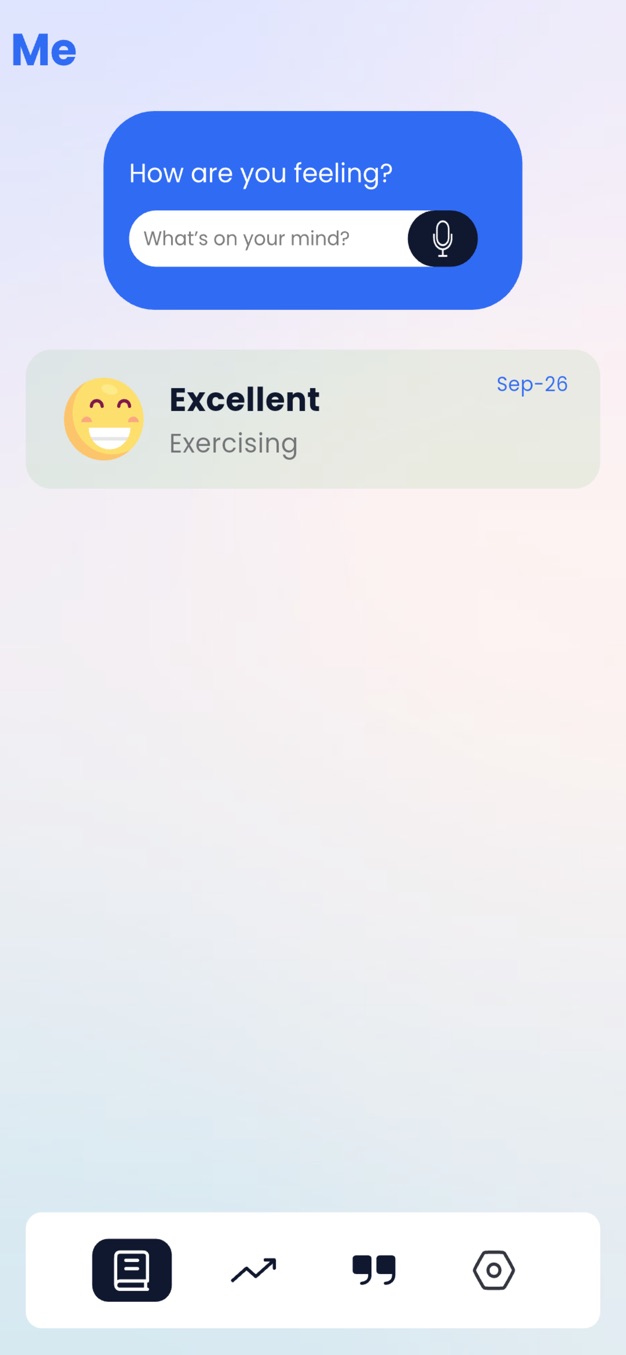
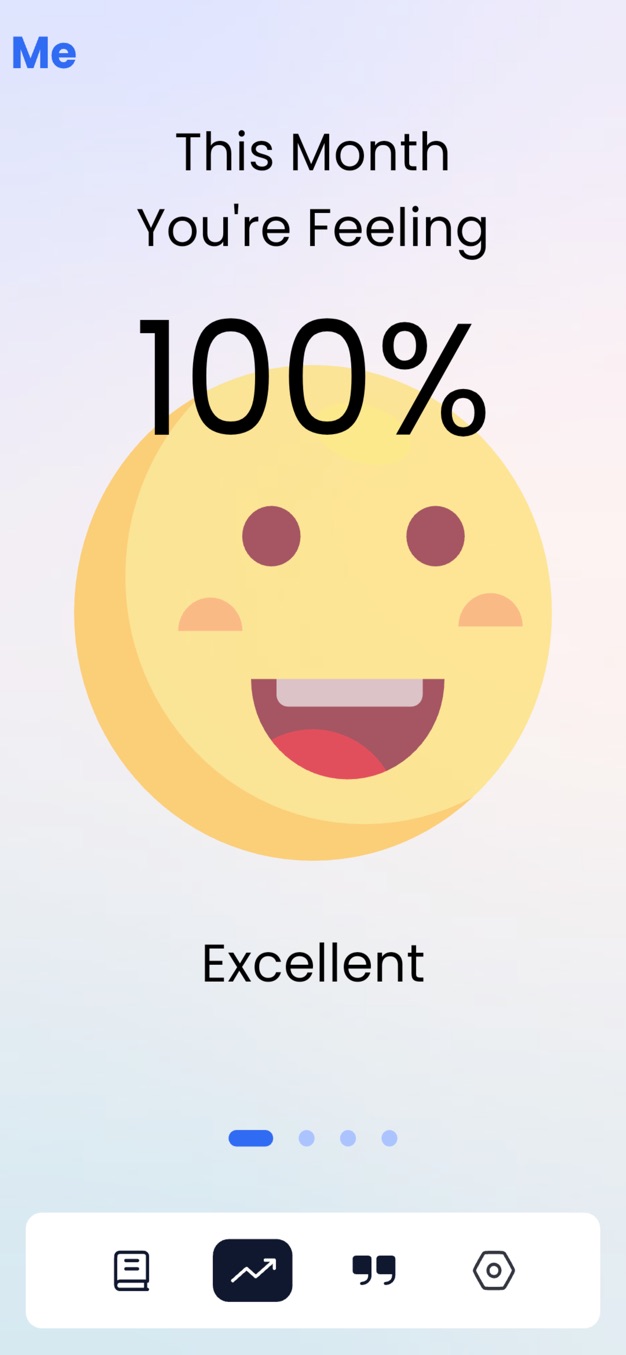
Mood tracking built accessible from the ground up. Log how you are feeling by typing or by voice, and MeMood turns your entries into a weekly and monthly picture of your emotional patterns. Built in Flutter with semantic labels tested against VoiceOver on iOS.
Download MeMood on the App Store
In development
- Voice-annotated photos — let someone describe a photo in their own voice before sending it
- Document and article reader — combining on-device and cloud speech